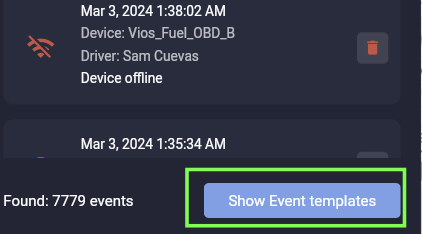
You can delete an event in a few simple steps. First click the 'Show event templates' button.
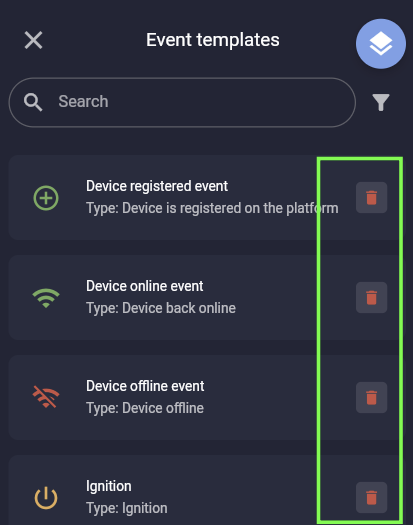
You will now see all the existing events that have been configured. Click the 'trash can' icon to the right of any event.
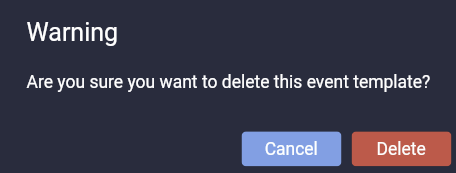
A popup window will be displayed where you can 'cancel' or 'delete' the event. To delete the event click the 'Delete' button and you're done!
END OF DOCUMENT